Book a court in under a minute
Park Sync is the booking and check-in tool your venue uses. Find an open court, pay, get a QR code, play. That's it.
What players get
- Up-front pricing before checkout
- QR code confirmation for faster check-in
- One account across every Park Sync venue
- Tennis
- Pickleball
- Basketball
- Soccer
- Baseball
- Padel
- Volleyball
- + 5 more
Start with what you want to do.
Lessons, tournaments, and memberships across every Park Sync venue — pick a path and we'll get you booked.
Find a coach near you
Browse 0 active coaches across our partner parks.
Browse coachesTournamentsCompete or watch
New brackets get posted as parks publish them — check back soon.
See tournamentsMembershipsSave with a membership
0 membership programs across Park Sync venues — save up to 25% on courts and lessons.
Browse membershipsHow it works
Five steps from scanning a venue’s QR code to walking onto the court.
Step 1: Find your venue
Search by city or open a venue’s direct link — scanned from a posted QR code, texted by a friend, or bookmarked from last weekend. No account needed to browse available times.
Step 2: Sign up in 10 seconds
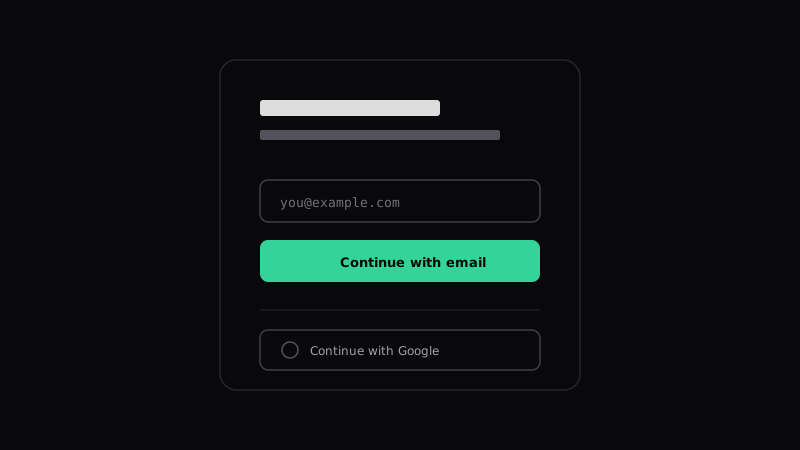
Email yourself a sign-in link or Continue with Google. Phone number is optional but unlocks SMS reminders before your reservation. The same account works across every Park Sync venue — tennis clubs, pickleball courts, basketball, baseball, or soccer fields.
Step 3: Pick a court and a time
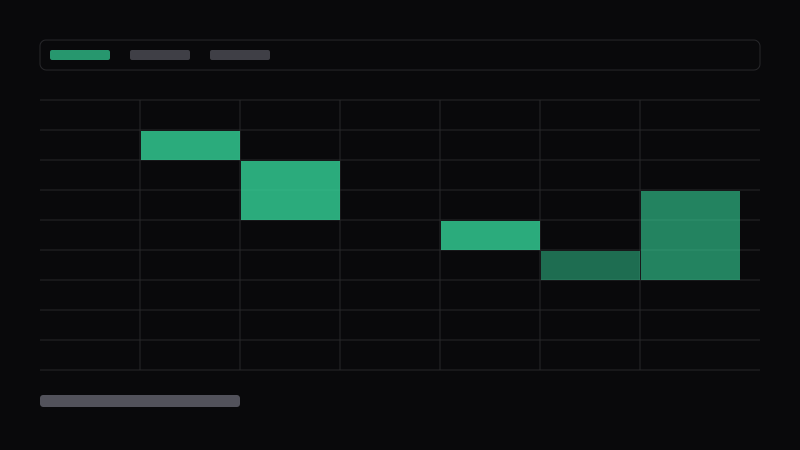
The day grid shows everything available right now across tennis, pickleball, basketball, baseball, and soccer. Filter by sport, court type, or lights. Prices are shown up front — resident, non-resident, or member pricing is applied automatically.
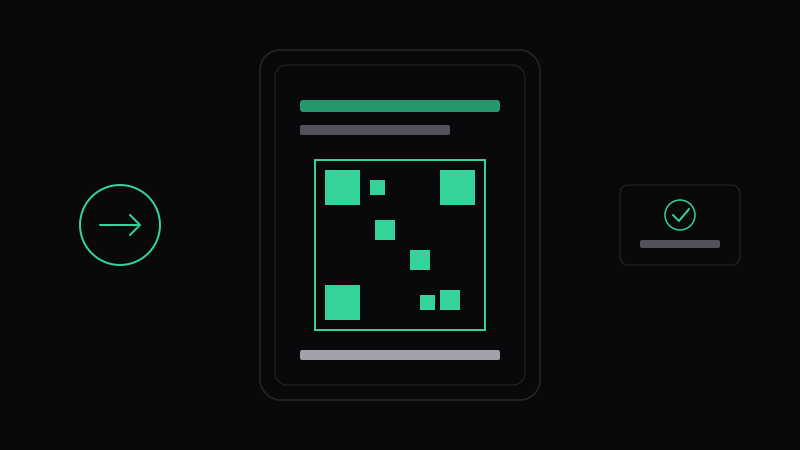
Step 4: Pay and get your QR code
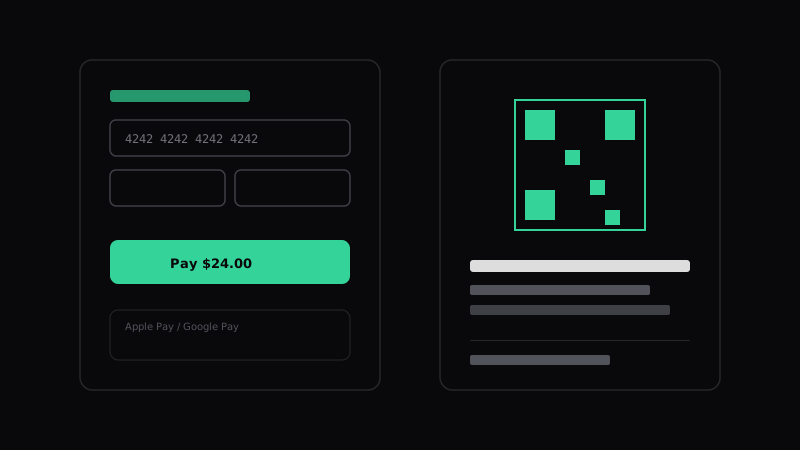
Card via Stripe, one tap with Apple Pay or Google Pay on mobile. Your confirmation email and reservation page both carry a QR code for check-in. The venue’s cancellation policy is shown before you pay — no hidden fees.
Step 5: Show up and play
Staff scans your QR at the counter — or you scan the court’s posted QR if self-check-in is enabled at that venue. If something goes wrong (rain-out, court closed, double-book), the venue can refund or reschedule you from the same reservation page.
What you can expect
The bar Park Sync holds every venue page to, whether you book once a year or every week.
Your data stays with your venue
Park Sync never sells your data, and we don’t send you marketing email. The venue you book with is the only operator that sees your reservation history.
Learn moreAccessible by design
Every page meets WCAG 2.1 AA. Screen-reader tested, keyboard-navigable end to end, and color-contrast-audited on the booking grid.
Clear cancellation and refund policy
Each park sets its own cancellation window and refund policy. Whatever it is, you see it on the checkout page before you pay. No hidden fees.
Run a venue?
See how Park Sync works for concessionaires, private venues, HOAs, and cities.
Ready to book? Find your venue.
Sign up takes ten seconds — pick a court, pay, get your QR code.